Quick Start
Follow these steps to launch your first Telegram support bot in about 10 minutes.
Overview
- Register & login → 2. Create a project → 3. Activate Bot Token → 4. Create commands → 5. Build flows → 6. Publish → 7. Chat with users
Step 1: Create a project
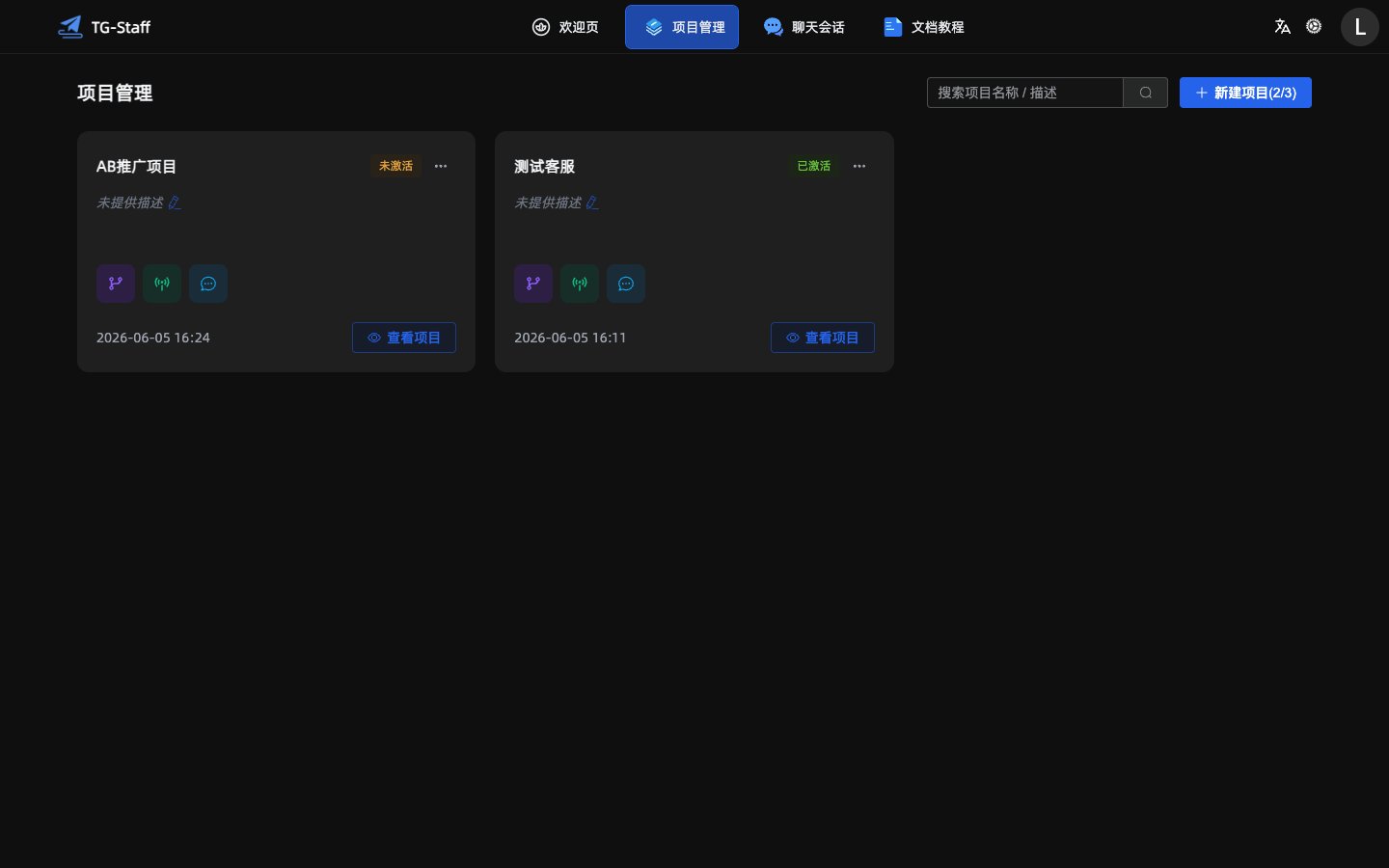
- Open Projects from the sidebar.
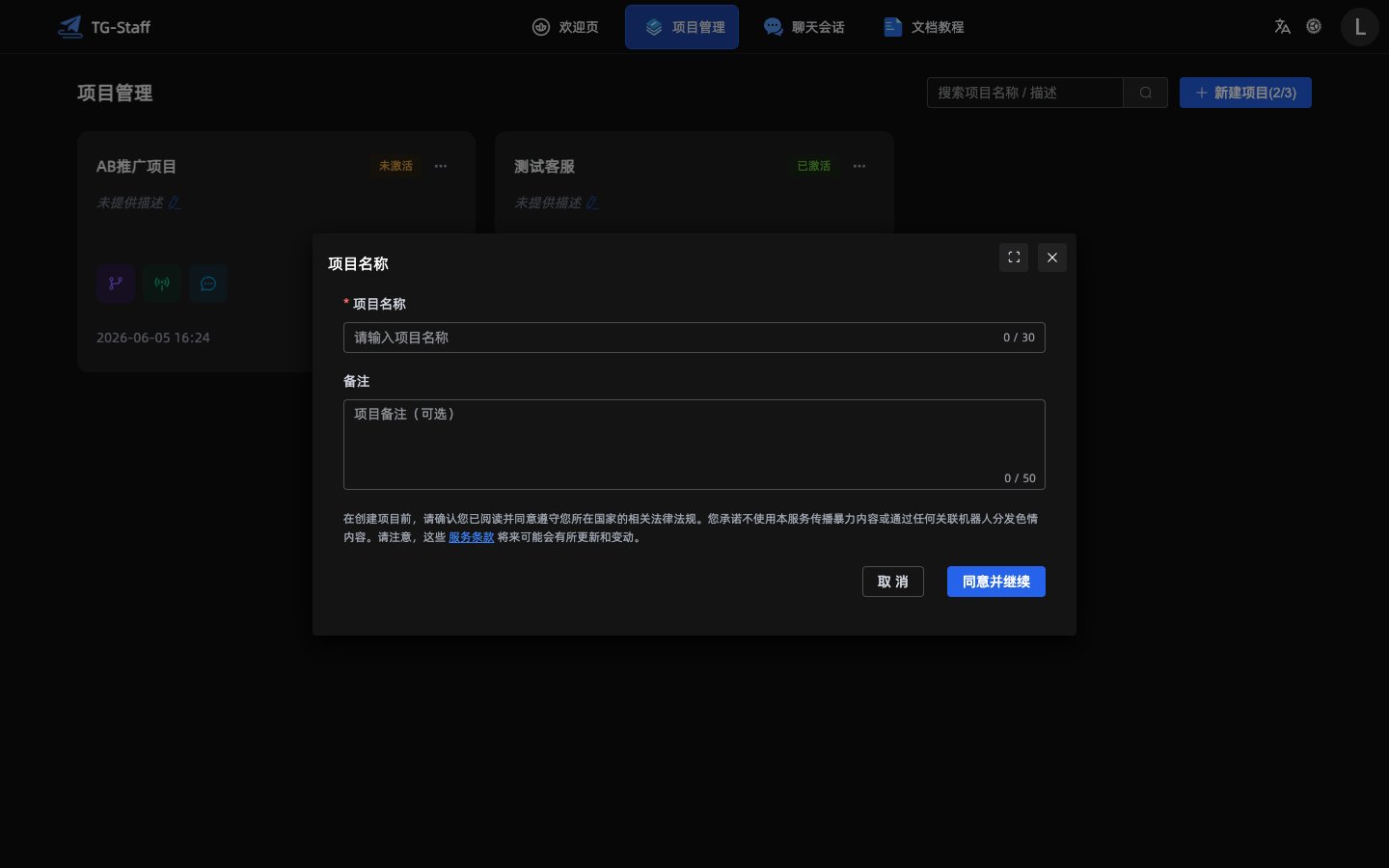
- Click New Project, enter a name (required) and optional remark.
- Accept the terms and click Agree & Continue.
Step 2: Activate the bot
- Choose Activate Bot Token from the project menu.
- In Telegram, open @BotFather and send
/newbot. - Paste the API Token into the activation dialog and click Activate.
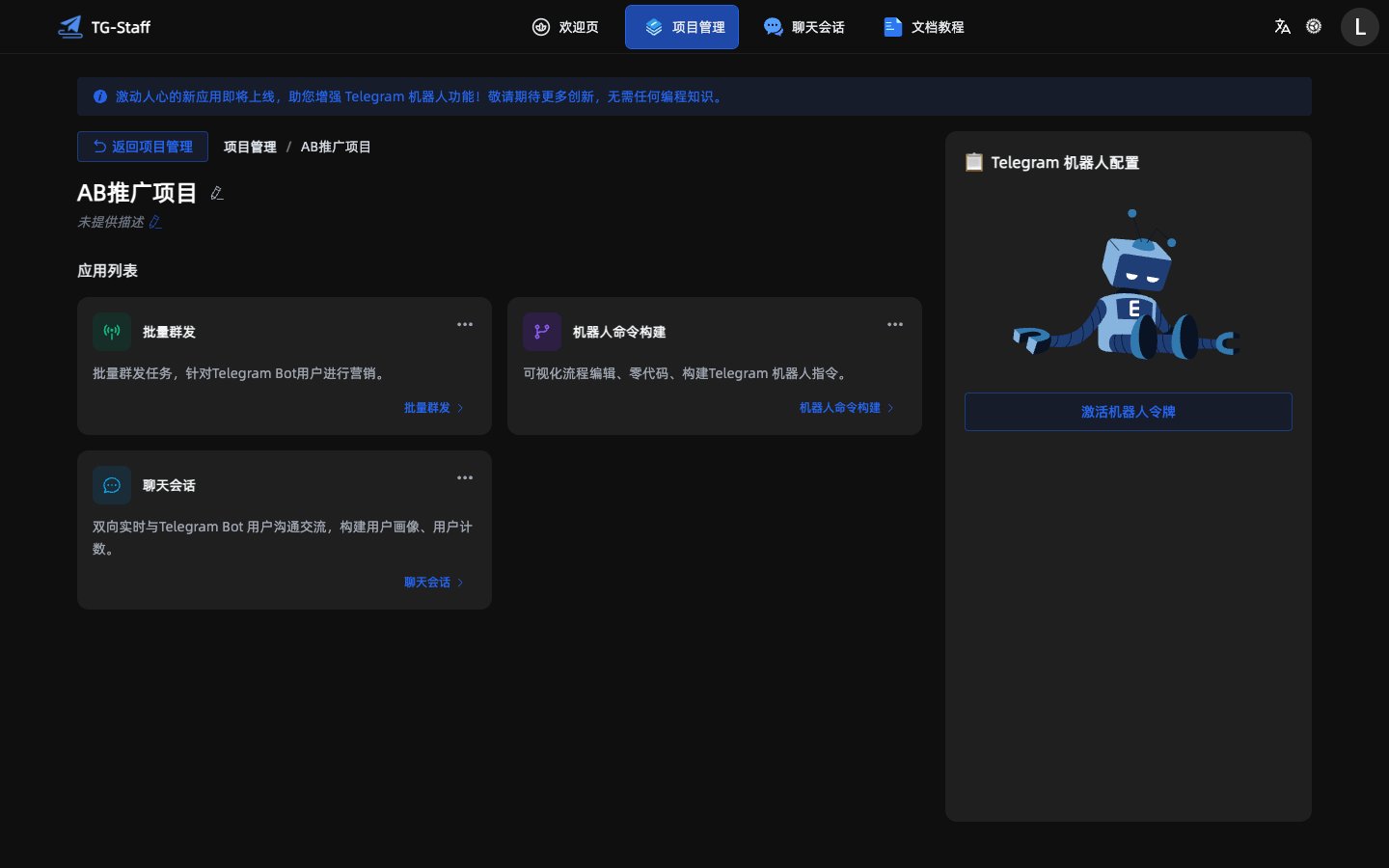
See Activate Bot for details.
Step 3: Create and publish commands
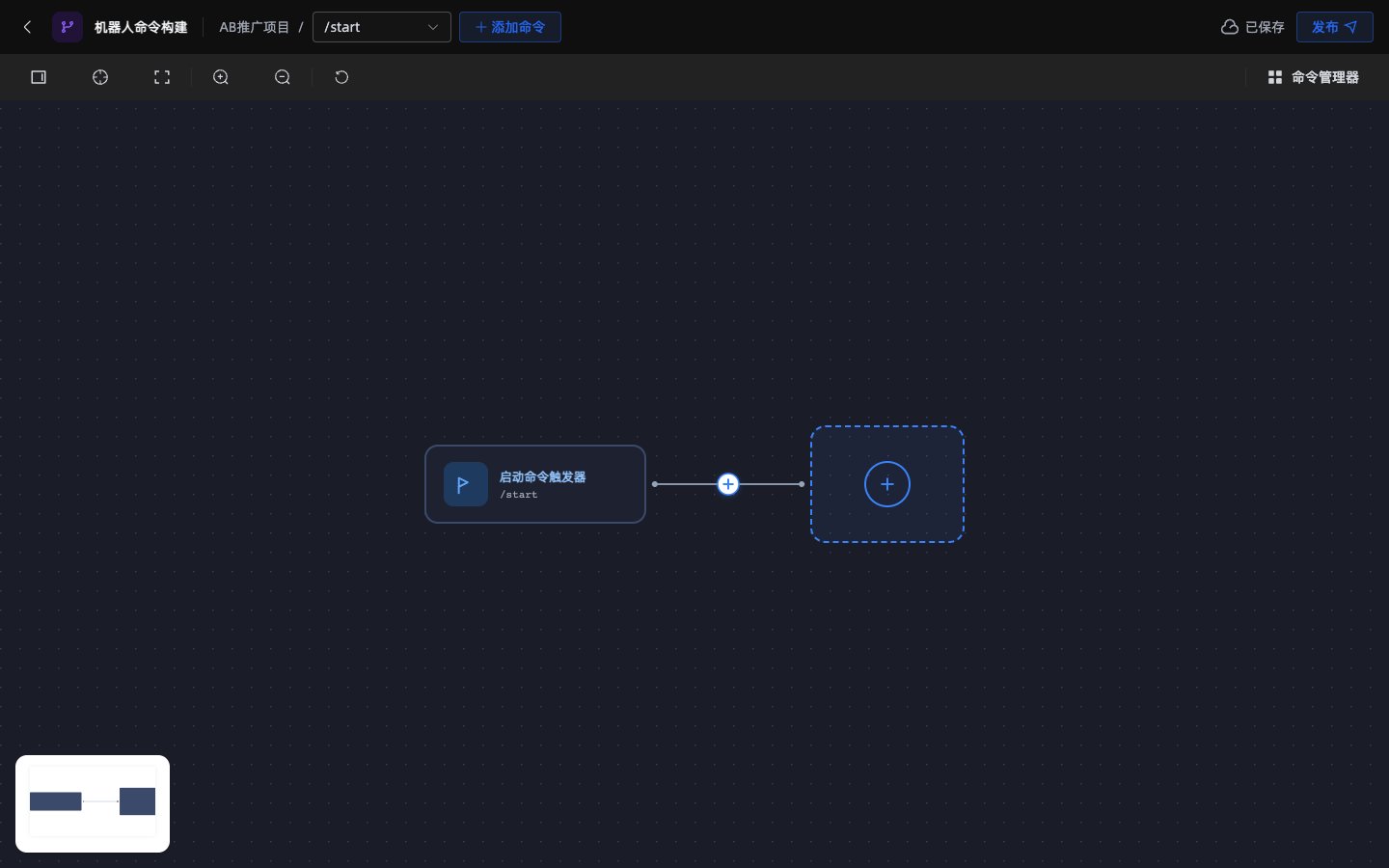
- Open Command Builder from project details.
- Edit the default
startcommand or add a new one. - Add steps in the builder and click Publish.
Step 4: Start serving users
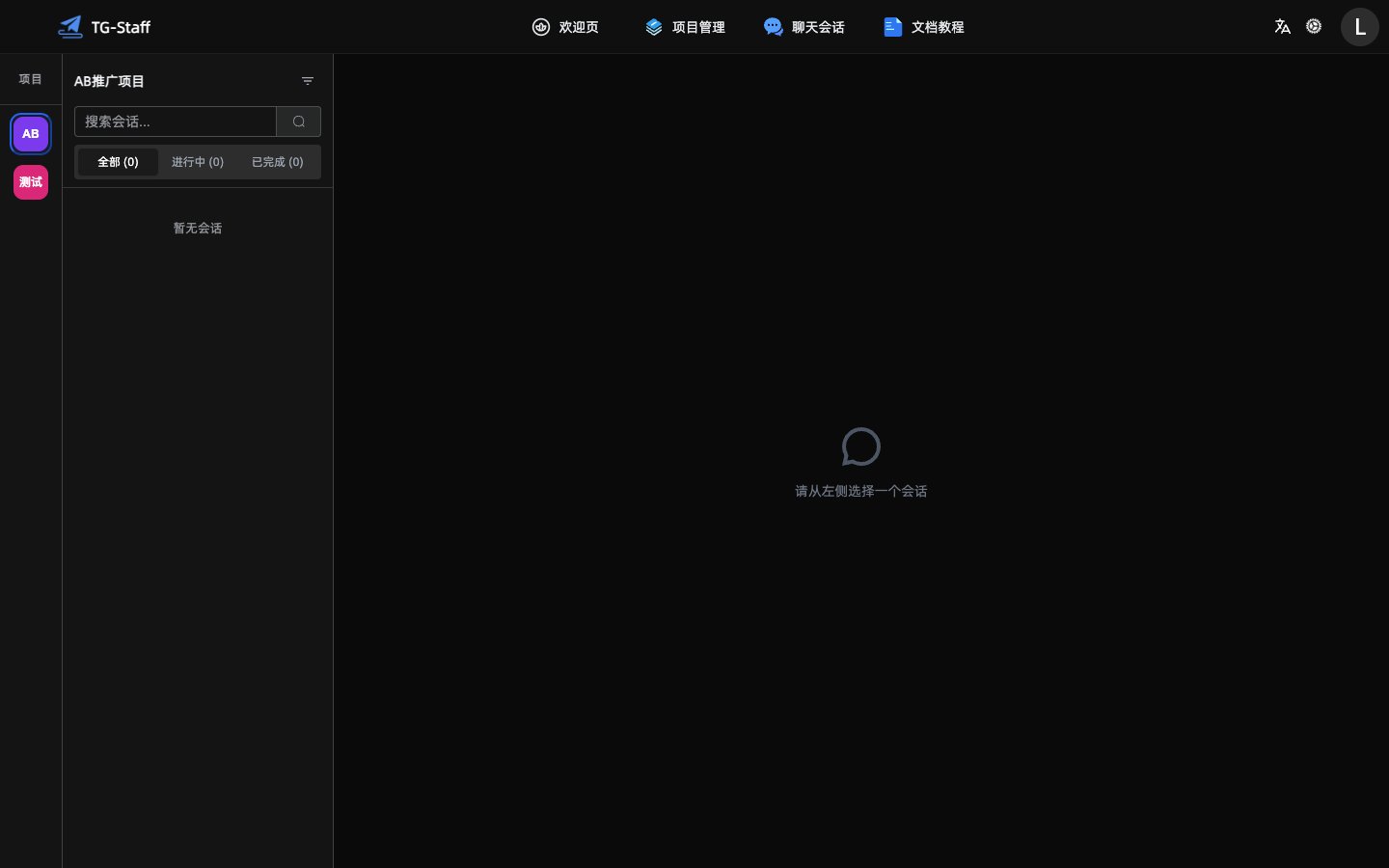
- Chat Sessions — reply to users in real time.
- Bulk Messaging — create campaigns for your bot subscribers.